
How to Boost a Discord Server to Level 3 Fast
Boostly Team
Jul 11, 2026 · 6 min read

Related reading: Discord server boost levels guide, current server boost packages and Is buying Discord boosts safe?
Discord Level 3 unlocks the best server perks: 250 emoji slots, 384 Kbps audio, a custom vanity URL, and more. Reaching it organically can take months, but you can get there in minutes with the right boost package.
What Is Discord Server Level 3?
Discord server levels are tiered perks that unlock as a server receives boosts. Level 1 needs 2 boosts, Level 2 needs 7, and Level 3 requires 14 server boosts. Level 3 is the highest tier and gives your community the full premium experience.
Higher levels make your server look more established, attract more members, and give everyone inside better features. If you are running a brand, NFT project, gaming community, or creator server, Level 3 is the goal.
Level 3 perks include:
- ✓250 total emoji slots
- ✓384 Kbps voice channel audio quality
- ✓Custom vanity invite URL
- ✓100 MB upload limit for everyone
- ✓Animated server banner
- ✓HD video streaming in voice channels
How Many Boosts Do You Need for Level 3?
You need exactly 14 server boosts to hit Level 3. If your server already has some organic boosts, you only need to buy the difference. For example, if your community has already chipped in 3 boosts, you would need 11 more to reach Level 3.
Buying a 14-boost package gets you straight to Level 3 from zero. Buying 30 boosts pushes you well past the requirement and gives you a buffer in case any boost drops during the warranty period.
Organic Boosts vs Buying Boosts
Organic boosts come from real members who pay Discord $4.99 per month each. To get 14 organic boosts, you need 14 members willing to spend that every month. For new or smaller servers, that can take months or never happen at all.
Buying boosts is the fastest path. Instead of waiting, you can apply all 14 boosts instantly and unlock Level 3 perks within minutes. The process is simple: choose a package, provide your server invite link, and the boosts are applied automatically.
| Method | Time to Level 3 | Cost | Best For |
|---|---|---|---|
| Organic boosts | Months to years | $4.99/mo per booster | Large, loyal communities |
| Buying boosts | Minutes | One-time package fee | New servers, launches, brands |
Step-by-Step: Boost to Level 3 Fast
- Make sure your server is ready — set a name, icon, banner, and basic channels
- Create a permanent invite link for your server
- Choose a 14 or 30 server boost package from a trusted provider
- Enter your invite link at checkout
- Complete payment and wait for delivery
- Confirm your server now shows Level 3 perks
Tips to Keep Your Level 3 Status Stable
Boosts can occasionally drop if the Nitro account behind them expires. To keep Level 3 active long-term, choose a provider with a warranty and replacement policy. A 90-day warranty means dropped boosts get replaced quickly without extra cost.
- ✓Buy from a provider with a clear warranty
- ✓Keep a few extra boosts above the 14 minimum as a buffer
- ✓Avoid extremely cheap providers with short or no warranties
- ✓Monitor your server level in Server Settings > Server Boost Status
Skip the wait and unlock Level 3 today. Boostly.to offers instant Discord server boosts with warranty-backed delivery.
Buy Server BoostsFinal Thoughts
Boosting a Discord server to Level 3 does not have to take months. With the right package, you can unlock every premium perk in minutes and make your server look professional from day one. Focus on quality providers, keep a warranty in place, and pair your Level 3 status with great content to keep members engaged.
Whether you are launching a new community or upgrading an existing one, Level 3 gives you the tools to stand out. Start with instant boosts, then build the activity and culture that makes members want to stay.
Not sure which provider to use? Compare the best sites to buy Discord boosts side by side before you order.
Related Articles
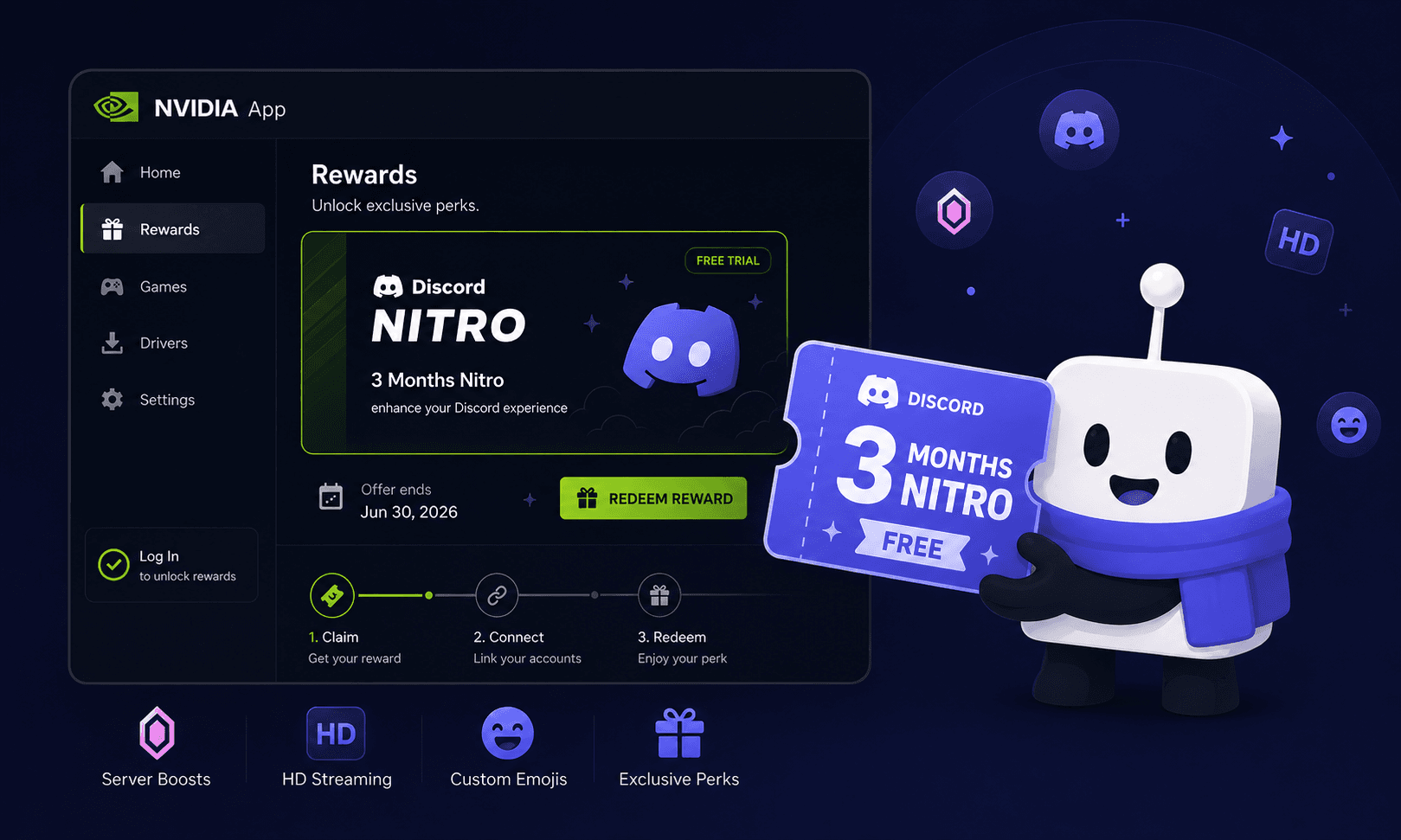
How to Get 3 Months of Discord Nitro Free With NVIDIA in 2026
NVIDIA gave GeForce users 3 months of Discord Nitro free. New claims closed on August 24, 2026, but already-claimed rewards can be redeemed until September 24, 2026. Here is how redemption and auto-renewal cancellation work.
Read more →
Is Buying Discord Boosts Safe? Complete Safety Guide 2026
Yes — buying Discord boosts is safe when you choose a legitimate provider. Learn how to identify safe services, avoid scams, and protect your server.
Read more →
How to Get More Online Discord Members in 2026
Learn why online members matter, how they affect server growth, and the fastest ways to keep your Discord community active around the clock.
Read more → Open Gmail